站点介绍
A friend asked me last week: "My network setup hasn't changed, but Claude sometimes loads instantly and sometimes spins forever — is it singling me out?" I had no answer, because Claude publishes none of its decision logic, and anything claiming to be an "official detector" deserves suspicion. What I could do was lay the browser's own exposed signals on the table: what your timezone, language, fonts and renderer look like to others, at a glance.
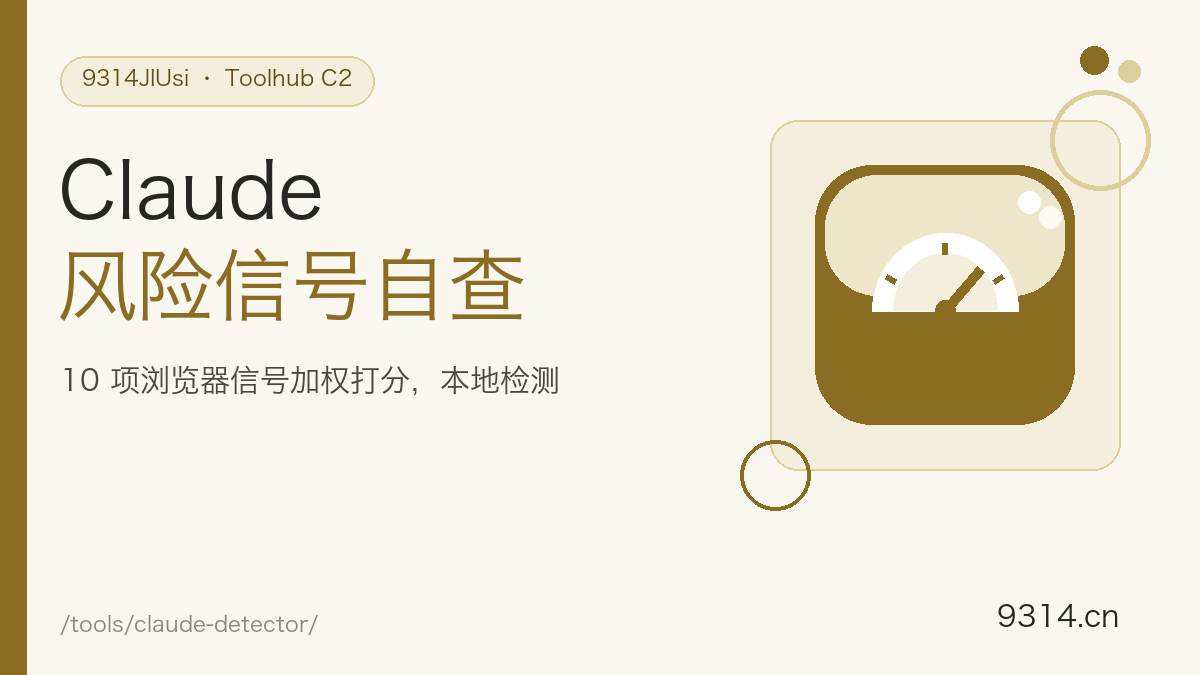
One rule only: passive signals readable by page JS with zero permission prompts. Timezone and language carry the top weights as the most common regional hints; UTC offset and date format cross-validate the timezone; the Canvas font fingerprint probes whether Chinese font libraries are installed using a CJK measuring string; the WebGL renderer string often leaks software-rendering traits in remote or virtual environments; touch, screen and DNT are auxiliary at 5% each.
It runs in the opposite direction. Tracking tools harvest your fingerprint, upload it and correlate you across sites; this page shows you what your browser already exposes, entirely locally. Knowing what your browser looks like is the first step in understanding fingerprinting — and the starting point of defending against it.
No — treat it as context only. Claude does not publish the specifics or weights of its regional decisions. The 10 signals and weights on this page are our own estimate built from public knowledge of browser characteristics, not a reverse-engineering of any official system. A high score does not guarantee a block, and a low one promises nothing. Read it as a health check of how China-region-like your browser looks.
No. Every signal is collected and computed inside this device's browser; the page makes zero network requests of its own (aside from the site-wide analytics at the bottom, which never touches fingerprint data) and results are only shown on the page. Nothing is logged, sent back or stored.
Browsers gate some interfaces behind privacy rules: the keyboard layout API (navigator.keyboard) exists only in recent Chrome and needs permission, while Firefox and Safari do not ship it at all. Signals that cannot be read are honestly marked unavailable — they are excluded from scoring and never guessed. Better one signal fewer than one fabricated.
Each signal gets a raw score of 0, 50 or 100, multiplied by its weight — timezone 20%, language 20%, UTC offset 10%, date format 10%, font fingerprint 10%, WebGL renderer 10%, screen 5%, touch 5%, keyboard layout 5%, DNT 5% — then normalized over the available weights to 0-100. The formula and per-signal scores are shown in the results so you can recompute by hand.
Look at which signals pulled it up: timezone and language carry the most weight. System language and timezone follow your OS settings, and the browser language list is adjustable in browser settings. Note that this tool only performs a signal self-check — it does not provide or encourage any means of evading regional restrictions; Claude's availability policies are defined by its official terms.
It's the opposite direction. Tracking tools harvest your fingerprint, upload it and correlate you across sites; this page lays out which signals your browser exposes for you to see, entirely locally with zero uploads. Knowing what your browser looks like is the first step in understanding fingerprinting itself.
中文版:https://www.9314.cn/tools/claude-detector/
相似站点
评论列表 (0条)