站点介绍
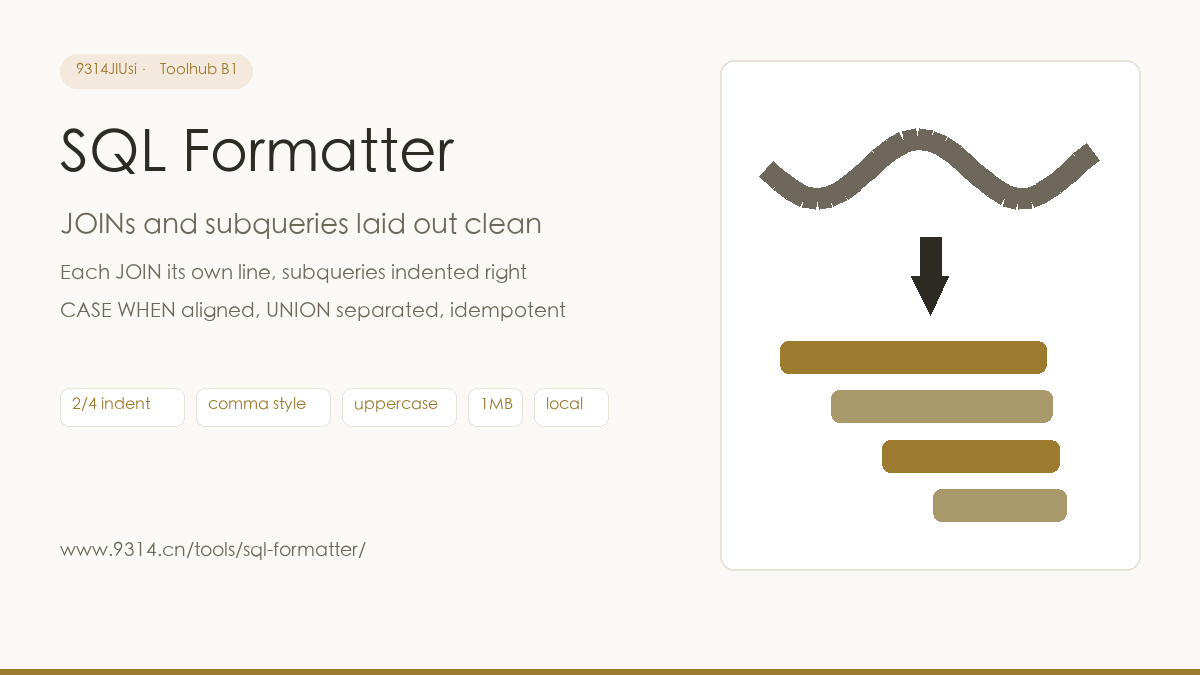
Triaging a slow query, the SQL behind the EXPLAIN arrives as one line - three tables JOINed together, every condition's home field left to imagination. That time I spent forty minutes hand-wrapping the query in an editor, the recurring thought was: why is a human doing this. This page is the replacement for those forty minutes: paste, one click, indented. Pure text processing, no database.
The tool adjusts whitespace and line breaks only - it never adds, removes or modifies a meaningful character. Whether the syntax is right is none of its business (an unclosed quote gets an error, and that is all). For CREATE TABLE structure, constraints and INSERT column counts, use the site's SQL validator - its errors carry line and column numbers. The two tools pair up: format first to see the structure, then validate to catch the errors.
The generic SQL skeleton: SELECT/INSERT/UPDATE/DELETE/CREATE TABLE/ALTER/DROP, the JOIN family (INNER/LEFT/RIGHT/FULL/CROSS), UNION/UNION ALL, CASE WHEN, subqueries, CTEs (WITH). MySQL backticks, PostgreSQL double-quoted identifiers and :: casts, SQLite bracket identifiers are preserved as literals. Stored procedures and window-function OVER clauses format as-is without special indentation.
No. The tool only adjusts whitespace and line breaks - it never adds, removes or modifies a single meaningful character: string literals stay verbatim, comma style only moves whitespace around the comma, and keyword casing does not change SQL semantics. Formatting formatted output again yields identical results - the idempotence button proves it in one click.
Never. String literals and quoted identifiers ("select", 'hello, world', `order`) are recognized as single whole tokens - keywords, commas and newlines inside them stay untouched, and keyword uppercasing only applies to real keywords outside quotes. Escaped forms like 'It''s fine' are recognized correctly too.
No. This page is a pure text processor - no database connection, no execution, just character rearrangement, and it works offline. Interface options live in this browser's localStorage; Clear my data in the footer removes them.
中文版:https://www.9314.cn/tools/sql-formatter/
相似站点
评论列表 (0条)