站点介绍
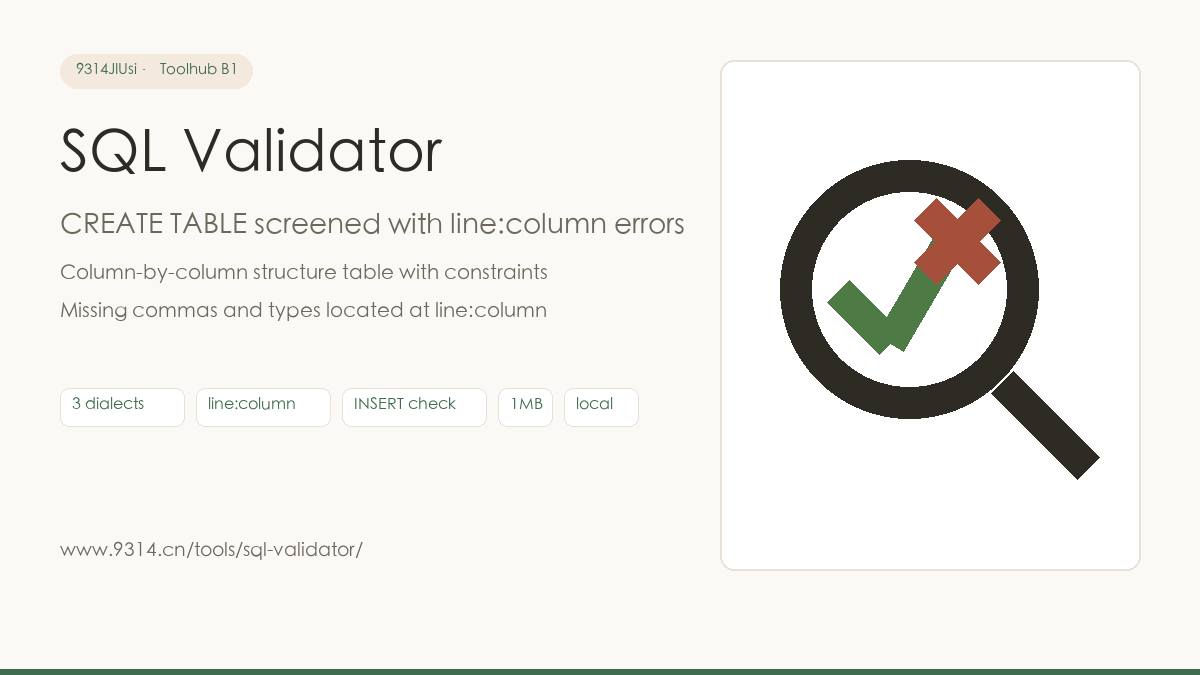
The worst moment in shipping a migration is the mid-script failure: a few hundred lines of DDL, and a missing comma survives until the third table before blowing up - rollback, start over, deployment window gone. Since then the habit stuck: screen the DDL before submitting. This page is that sieve: paste, check, errors with line and column numbers, fix, check again - nothing counts until it is all green.
Fair warning first: this is syntax-level checking - no database, no semantics. An existing table, a foreign key pointing at a table not yet created, an unsupported charset, insufficient privileges: those only surface on a real run. Treat it as the first sieve before submitting, and give the constraint logic one more human pass.
Just count along: lines start at 1 counted by newlines, columns at 1 counted by characters, pointing at the offending position. "3:15 missing column type" means the column definition near line 3, column 15 lacks its type name. Fix it, press check again, and a green list appears once everything passes.
No connection. Column structure, constraint spelling, type names, INSERT column-to-value counts - all done in the browser, working offline. Whether a table exists or a foreign key's target has been created needs a real database connection and is out of scope.
The CREATE TABLE / INSERT skeleton parses as generic SQL, while the common types of MySQL, PostgreSQL and SQLite are all catalogued (int/bigint/varchar/text/timestamp/jsonb and more). Unknown types raise a yellow warning rather than a red error - every dialect has too many extensions to declare them dead.
No. Parsing and checking run entirely in this device's browser - there is no upload endpoint. Only the dialect option lives in this browser's localStorage; Clear my data in the footer removes it.
中文版:https://www.9314.cn/tools/sql-validator/
相似站点
评论列表 (0条)