站点介绍
A 3000×2000 photo goes into a chat app and comes out with sticker quality at 200KB. An application form demands "under 200KB, 480px wide". Resizing is a weekly chore — desktop suites are overkill and most online tools want your upload. This page just finishes the job inside the browser.
Drawing 3000px down to 800px in one call samples one pixel out of every 3.75 — the in-between information is simply dropped, and high-frequency edges (text, fences, hair) erupt into moire. Two-step downsampling halves first, then halves again (3000→1500→~800), keeping every step inside the filter's comfort zone; artifacts fall sharply. This page routes every scale through that path for a few unnoticeable milliseconds.
Portrait photos are usually stored as landscape pixels with an EXIF Orientation flag saying "rotate me 90 degrees". One re-share through a chat app or one careless CMS upload strips the flag and the image lies sideways. This page bakes the rotation in at decode time via createImageBitmap's from-image option — output depends on nothing. In my opinion that's what every resizer should do, and most don't.
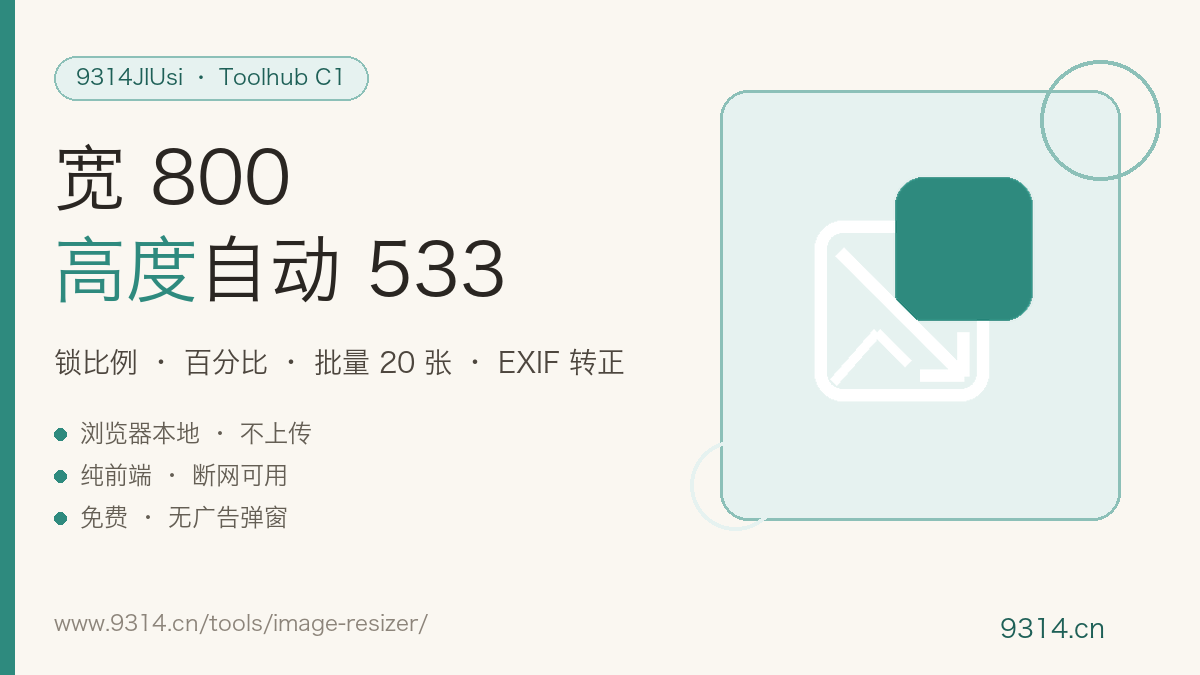
533px. The width and height fields are ratio-linked: type 800 and the height fills in as 533 automatically (800 ÷ 3000 × 2000, rounded). You can unlink them and set each side separately, but the picture will stretch — unless that's deliberately the effect you want, keep the lock on.
Yes, with honest caveats: upscaling is interpolation, not magic. A 500px image pulled to 1000px gains pixels, not detail — it just looks softer. Beyond 2x the page shows a warning. For genuine detail recovery you want a dedicated super-resolution tool, which works on a completely different principle.
Portrait photos shot on phones are often stored as landscape pixels with an EXIF orientation flag telling software to rotate. Programs that ignore the flag show the image sideways. This tool bakes the rotation into the pixels while resizing, so the output stands upright everywhere, no flag needed.
Photos: JPG or WebP (lossy, small). Transparency: PNG or WebP only (JPG has no alpha channel). Smallest bytes: WebP, typically another 25% smaller than JPG — every mainstream browser in 2026 handles it. Note the quality slider does nothing for PNG, because PNG is lossless.
Up to 20 images per batch, 50MB each; anything over is rejected with a message, never silently dropped. Each image is processed independently with the current settings and downloads individually.
No. Decoding, rotation, rescaling and encoding all happen inside this device's browser — zero uploads, zero requests. Your settings (mode, size, format, quality) live only in this browser's localStorage; the footer button clears them in one click.
中文版:https://www.9314.cn/tools/image-resizer/
相似站点
评论列表 (0条)