站点介绍
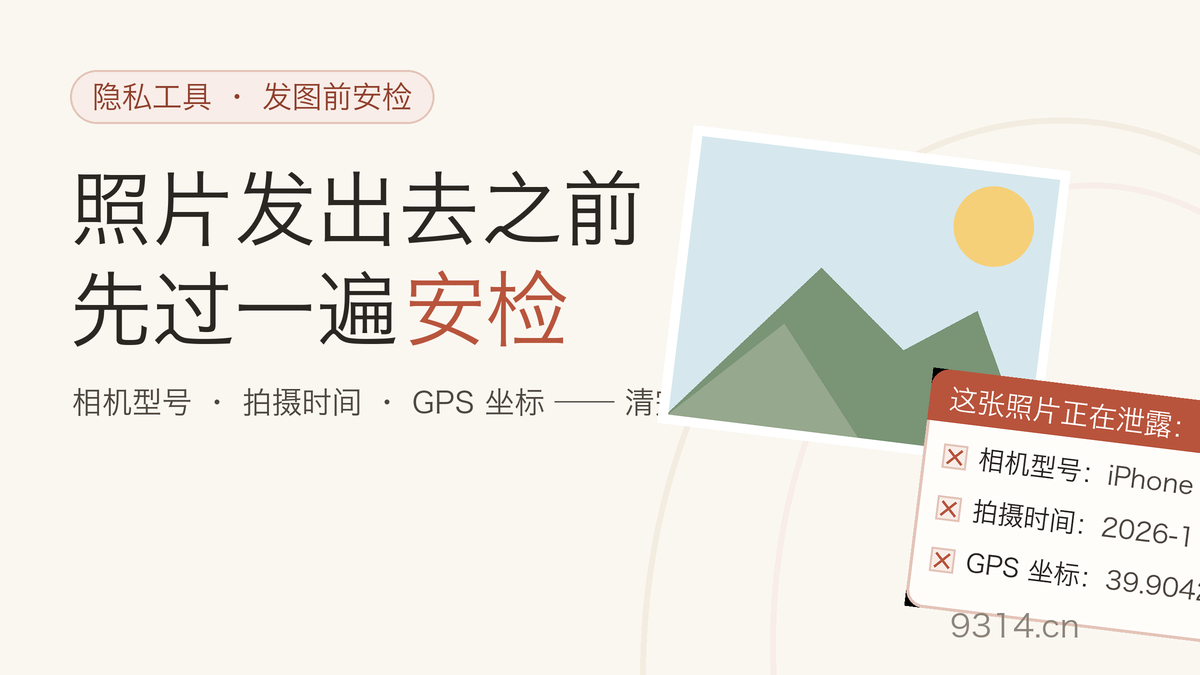
The first time I dropped a phone photo into a metadata viewer, the punchline was a pair of coordinates that resolved to my apartment block, five decimal places deep. The photo was a bowl of soup. Nobody needs to know where soup was eaten, but there it was - written by the camera the instant the shutter moved, along with the phone model, the lens, the exposure, and a timestamp accurate to the second.
That block of information is EXIF, and it is not a bug. It is useful for sorting libraries and for forensic work. It becomes a problem the moment the photo leaves your hands: posted to a forum, attached to a marketplace listing, sent in a reply to a stranger. Most platforms strip it on upload, but "most" is doing heavy lifting in that sentence, and forwarded originals travel as-is.
I built this gate because the tools I found fell into two camps. Fast ones delete the metadata and say nothing about what was in it. Careful-looking ones upload your photo to a server to show you a report - which misses the point so completely it loops back around to funny.
EXIF is a block of information the camera writes into the file at the moment you press the shutter. JPG is its main carrier. Model, serial number, time, aperture and shutter - and on phones with location on, GPS coordinates precise to five decimal places, which is about one meter. The PNG specification has no EXIF and screenshots never touch a camera, so those two are usually clean. The format to watch is JPG.
"Deleted" deserves scrutiny. Zeroing out a field is not deletion - as long as the EXIF segment exists in the file, some tool can dig out what remains. Real removal is a re-encode: paint the pixels onto a fresh canvas, generate a new file that contains nothing but pixels. This tool then re-scans the finished file at the structure level to confirm no EXIF or XMP block exists.
Other tools hand you a "done" and call it a day. This one puts the inspection on the record: each photo gets scanned on entry, the card lists what the photo was leaking - GPS entries highlighted - and after the wipe the output is scanned again. Only a clean scan turns the card green. You see what privacy got taken out, and you see that it is actually gone.
One detail most removers get wrong: phones store portrait photos as landscape pixels plus an orientation flag in EXIF, and viewers rotate on display. Delete the metadata and the flag goes with it - the photo falls over. Anyone who has batch-stripped a camera dump has seen a folder of lying-down sunsets. This tool reads the flag, rotates the pixels accordingly (or detects that the browser already did at decode time), and encodes an upright file that needs no flag at all.
A re-encode regenerates the image at the pixel level, and JPG output takes a slight quality hit - stated upfront. That is why the slider defaults to 92, above the usual 85: the whole point of this tool is that you post the output directly, and at 92 the loss is invisible in normal viewing. If the output is headed for another editing pass and must stay pixel-perfect, switch to PNG - lossless, metadata-free by construction, larger. Every result card prints the item count removed and the size before and after.
Three things worth remembering: removal is irreversible, so back up originals you care about; platforms re-compress photos on upload and that is their behavior, not something a local tool can govern; and photos someone sent you deserve a scan before you forward them - you cannot know what they carry.
No. Portrait photos shot on a phone stay upright because of an orientation flag inside EXIF. Most tools delete the flag along with the metadata, and the photo falls over. This tool physically rotates the pixels according to that flag before re-encoding, so the new file is upright and carries no metadata at all.
Screenshots have no EXIF. EXIF is written by cameras; a screenshot is captured from the screen and never touches a camera, so there is usually no location or device data in it. Two things still deserve caution: original photos picked from your camera roll (especially ones with location on), and photos someone sent you that you are about to forward - you cannot know what they carry. Drop them in here first; if the list comes back empty, share away.
No. The cleanup here is a re-encode: only the pixels survive, inside a brand-new file that was never given any metadata. The original EXIF is not hidden or masked - it simply does not exist in the new file. Keep a backup of the original if you need it; a cleaned photo cannot be un-cleaned.
Usually not. The PNG specification does not include EXIF and WebP support for it is rare, so this tool tells you plainly when a file has nothing to clean instead of pretending to work. The format to watch is JPG: cameras and phones shoot JPG by default, and that is where EXIF lives. Files that do embed an EXIF or XMP block get it removed all the same.
Up to 20 files per batch, each up to 50MB. Re-encoding regenerates the image at the pixel level, so JPG output takes a slight quality hit - that is why the quality slider defaults to 92, higher than the usual 85, and stays visually clean. For pixel-perfect output pick PNG, which is lossless but larger. Every result card states how many items were removed and whether the re-scan found any residue.
No. Reading metadata, re-encoding and the re-scan all happen inside this device's browser - no network request carries the image, and photos are never written to local storage. Only your output format and quality preferences are kept in this browser so the page opens the way you left it. The Clear my data link in the footer removes them.
中文版:https://www.9314.cn/tools/remove-exif/
相似站点
评论列表 (0条)

 "Remove EXIF Data From Photos: Strip GPS & Camera Info Locally")
 "照片 EXIF 清除:删掉 GPS 定位和相机信息再发图")
 "图片格式转换:JPG、PNG、WebP 互转,透明底不黑块")