站点介绍
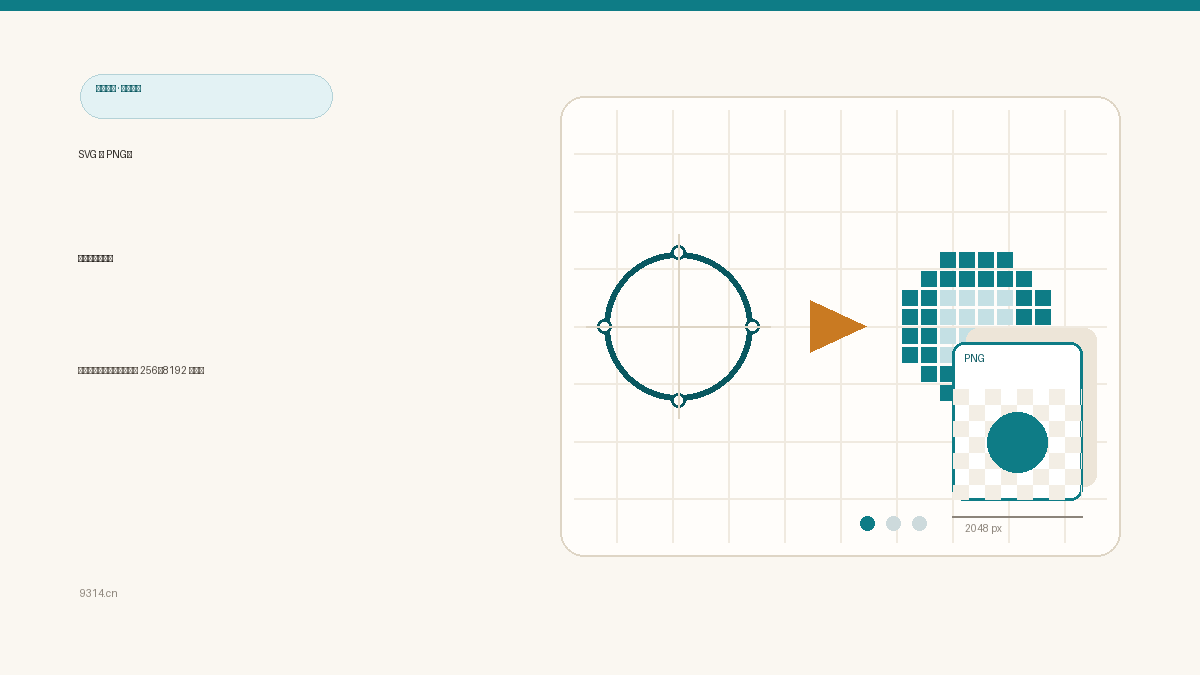
A designer hands you a folder of SVG icons; the marketplace wants 1024 by 1024 PNGs. Installing ImageMagick for two conversions feels like renting a crane to hang a picture frame. Your browser already ships a complete SVG rendering engine, so rasterizing locally is a seconds-long job - that is exactly what this tool does.
Rasterizing redraws the vector at the width you choose: the circle is still the same circle, only now it exists at a fixed pixel count instead of "any resolution". A vector has no pixels, so 4K and 8K come from the same source file, edges equally crisp.
What it does not do is add quality. A roughly drawn icon stays rough at 4K. The point of converting is compatibility - favicons, Word documents, and most stock sites still want flat PNGs.
An SVG embedding images as <image href="data:..."> converts fine. But the moment an href points at an http or https URL, the browser's canvas security policy blocks the load and you get a silently blank PNG. This tool scans the source before converting and fails loudly with "external resources not allowed" - a clear error beats a mysterious white rectangle.
External fonts are ignored the same way: <text> renders with whatever system fonts the viewing machine has. Need pixel-identical output? Convert the text to outlines in your editor first.
Twenty files do not rush the canvas at once - they queue up one by one: finished files become downloadable immediately, and only one large canvas lives in memory at a time. A failure (corrupt file, over 5MB, external reference) marks that slot alone.
The ZIP is assembled by hand-written stored-mode code inside the page - PNGs are already compressed, so re-compressing wastes CPU for nearly zero savings. Every download carries its width in the filename (like logo-1024px.png) so three width passes never turn into a guessing game.
If the SVG references an image over http or https, the browser refuses to draw it onto a canvas for security reasons, and the exported PNG would come out blank. Convert those images to data: URIs and embed them inside the SVG first. This tool scans the source before converting and tells you upfront instead of handing you a blank file.
Yes. When the SVG has no background of its own, the PNG comes out with a real alpha channel and stays transparent in any design tool. If you need a solid backdrop, switch the background option from transparent to white or a custom color, and it gets painted in before the artwork.
Up to 20 SVG files per batch, each no larger than 5MB. They queue up and convert one by one; finished files are downloadable immediately, and one failure never blocks the rest. When the batch is done, hit Download ZIP to take everything home in one archive.
By default the height follows the SVG's viewBox ratio: ask for a width of 1024 on a 1:1 icon and you get 1024 by 1024. If there is no viewBox, the shape's bounding box is estimated instead. Uncheck auto height and type your own value whenever you need a specific canvas - the artwork is drawn complete, never cropped or stretched.
No, and it does not pretend to. Rasterizing redraws the vector at the width you choose, so edges stay sharp at any size, but the amount of detail depends on the SVG itself. A roughly drawn icon stays rough at 4K. Want bigger? Just type a bigger width; anything from 4K to 8K is supported.
Never. Files are decoded and drawn inside your browser's memory - no network request carries them, and they are never written to local storage. Only your width and background preferences are kept on this device so the page opens the way you left it. The Clear my data link in the footer removes them.
中文版:https://www.9314.cn/tools/svg-to-png/
相似站点
评论列表 (0条)

 "照片 EXIF 清除:删掉 GPS 定位和相机信息再发图")
 "图片格式转换:JPG、PNG、WebP 互转,透明底不黑块")