站点介绍
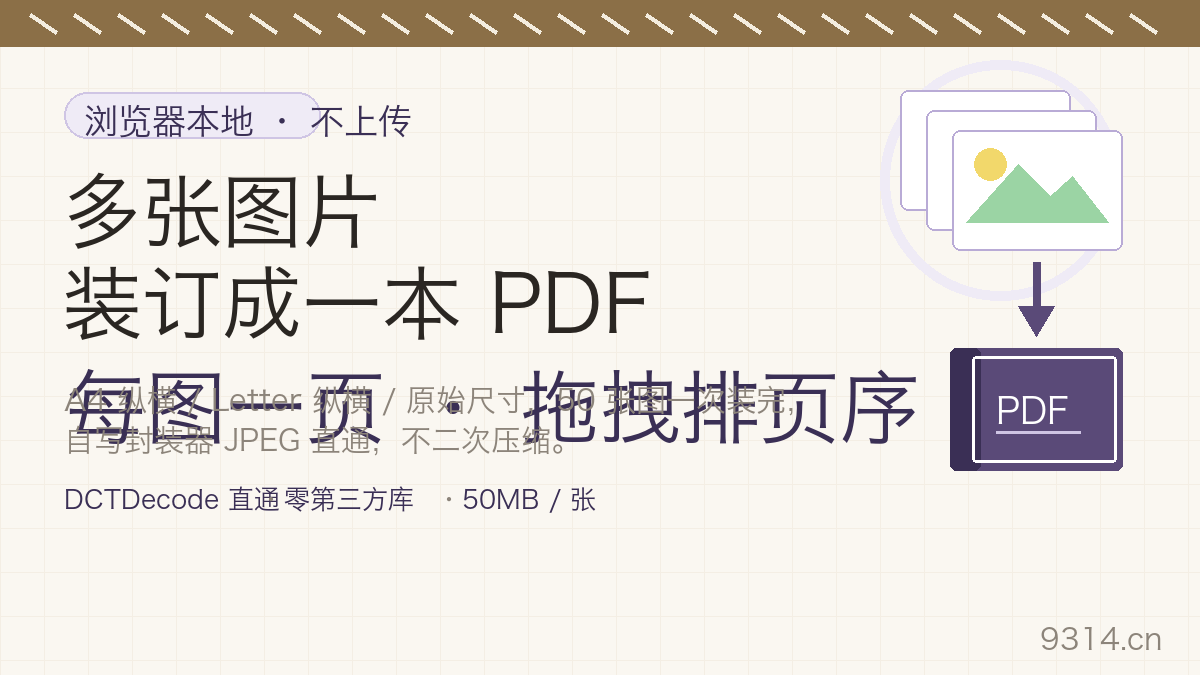
Last week I helped a relative piece together a dozen hospital-report screenshots into one PDF for a specialist - and the first two converter sites I tried both wanted the images uploaded to their servers first. Health records do not belong on a stranger's server. This page is the version where they never leave your machine: the PDF is bound right inside your browser, and closing the tab leaves nothing behind.
The usual converter pipeline is: upload, decode on a server, re-encode, drop into a PDF template, download. Every one of those steps is a chance to squeeze the image again, and quality quietly drops a notch.
The pipeline here is much shorter: JPEG passthrough - a picture becomes JPEG bytes when it enters the queue (the only compression pass, at the quality you chose), and those exact bytes are written into the PDF's image object untouched. You can verify this yourself: the same picture bound twice yields byte-identical images inside the PDF, and moving quality from 0.8 to 0.95 visibly grows the file (measured 817KB to 1.38MB on the same noisy test photo).
A4 and Letter are for printing: fixed sheets (595x842pt and 612x792pt), the image scaled proportionally inside and centered, orientation up to you. Original size is for screens: the page is the image itself at 96dpi, one per page, no margins - much nicer to flip through online. All four fixed-sheet orientations made the cut, because a wide screenshot squeezed onto portrait A4 turns tiny, while landscape lets it breathe.
This is an image-based PDF: no OCR, no text layer - nothing inside is searchable or copyable, so run the file through an OCR tool first if you need that. One image per page, no collages. Animated GIFs contribute their first frame (PDF pages do not move), and transparent PNG areas are flattened onto white (viewers render transparency inconsistently; white is the one that never surprises). All of this is written on the page's facts table and in the FAQ - nothing hidden.
No. This is an image-based PDF: each page is one flat picture, with no OCR and no text layer, so search and copy do nothing. If you need searchable text, run the file through an OCR tool first - this tool does not do that, and we would rather tell you straight.
Readable, yes - untouched, no. Every image goes through exactly one JPEG pass when it enters the queue (quality 0.8, 0.9 or 0.95, your pick), and after that the bytes are written straight into the PDF - there is no second compression. Pick 0.95 for cleaner output, 0.8 for smaller files.
GIFs contribute their first frame only (animation is impossible on a PDF page anyway). Transparent PNG areas are flattened onto white - PDF viewers render transparency inconsistently, and white is the safe choice: no black slabs, no checkerboard.
A4 is a fixed 595x842pt sheet: the image is scaled proportionally to fit and centered, and you choose portrait or landscape. Original size has no paper concept at all - the page is the image itself at 96dpi (1px = 0.75pt), one image per page, zero margins.
No. JPEG conversion, PDF writing and the download all happen inside this device's browser - zero uploads, zero requests. Your settings (page size, margin, quality) live only in this browser's localStorage, do not follow you to another device, and can be wiped from the footer in one click.
Up to 50 images, 50MB each. Anything over the limit is rejected with a clear message, never silently dropped. Queuing, reordering and binding all run in local memory - 50 images is comfortable on an ordinary laptop.
中文版:https://www.9314.cn/tools/image-to-pdf/
相似站点
评论列表 (0条)

 "Image to PDF: Merge Up to 50 Pictures, A4 or Original Size")
 "图片转PDF:50张图合成一个PDF,A4或原始尺寸")
 "随机数生成器:1到100抽号,批量去重排序都能办")
 "百分比计算器:四种算法带过程,算错一查就穿帮")
 "证件照制作:一寸二寸在线调,像素KB双达标")