站点介绍
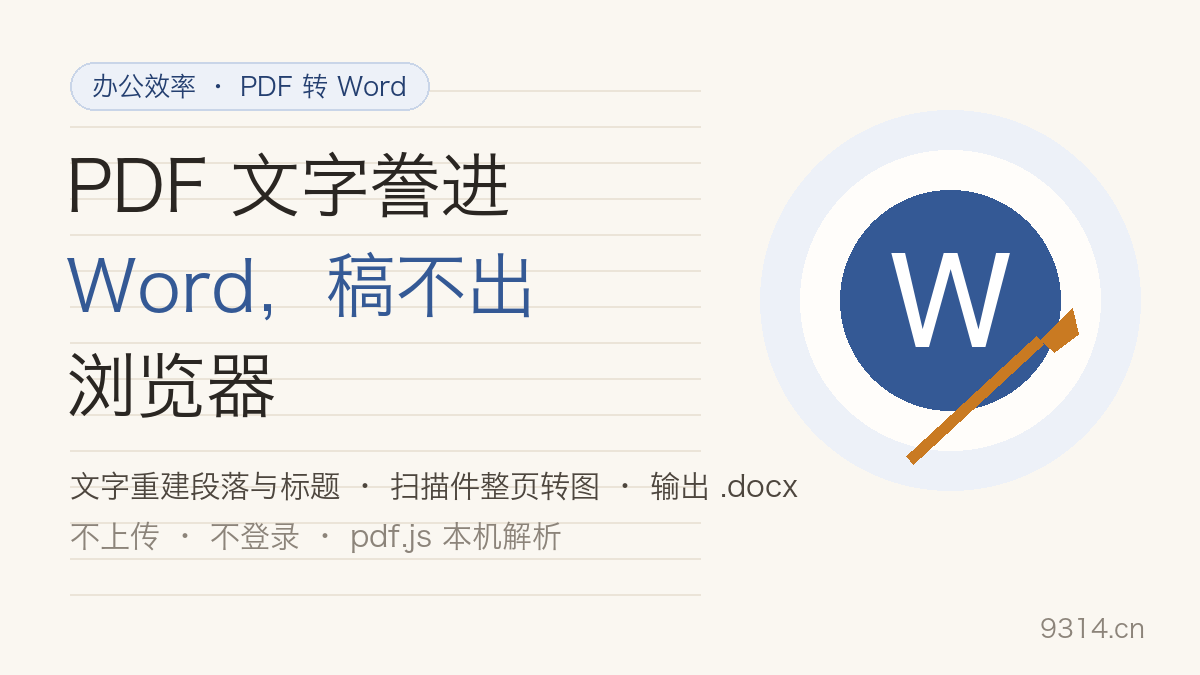
Ctrl+C, Ctrl+V, fix the formatting, repeat — and when the source PDF changes tomorrow, do it all again. This page moves Mozilla's pdf.js parser (the engine Firefox ships, Apache-2.0, self-hosted here) plus a hand-written OOXML generator into your browser. Drop a PDF, get a real .docx. Not a byte leaves the device.
A PDF has no concept of a paragraph — only positioned text fragments. Rebuilding paragraphs is a heuristic craft: same-baseline fragments become lines, a line ending short of the margin means the sentence finished, a size jump means a heading. Every threshold this page uses is documented on it, and the preview pane shows the rebuilt result before you download.
50MB per file, up to 100 pages converts directly (beyond that, a warning but you can continue — pages are processed one at a time so memory stays flat); the first conversion downloads a ~1.4MB engine from this site, cached and reusable offline afterwards; the mode preference lives in localStorage while PDFs and generated files never touch disk; two-column papers rebuild left column first, three or more columns degrade into mixed text that needs manual cleanup.
No. Parsing and .docx generation both happen inside this device's browser (the pdf.js engine is self-hosted on this site) — not a byte of your PDF leaves the device. The first conversion downloads a ~1.4MB parsing engine; after that it lives in the browser cache and works offline.
No, and it would be dishonest to promise that. Text mode is a text-layer rebuild: paragraphs and headings are stitched by heuristic rules, complex tables get flattened into plain text, graphics and charts are dropped, and headers or footers may leak into the body. Page-image mode keeps the layout pixel-perfect but every page is a picture — nothing is editable. Proofread after converting.
This page does not do OCR. Scans are auto-detected and routed to page-image mode: each page is rendered at 150dpi and embedded in the docx, layout preserved but not editable. For editable text, run the scan through an OCR service first.
Yes, if you know the password: a prompt appears and the password stays in local memory only. DRM-protected ebooks and rights-managed files are not supported; the page reports that honestly.
The page detects left/right column structure (bimodal x-coordinates) and rebuilds each column separately, left first. Three or more columns, or figures spanning columns, degrade into mixed text that needs manual cleanup.
The mode preference lives in this browser's localStorage (key y9314:pdf-to-word-en:v1). PDF files and generated docx files never touch disk. The footer's Erase my data button wipes the preference in one click.
中文版:https://www.9314.cn/tools/pdf-to-word/
相似站点
评论列表 (0条)

 "英文大小写转换:9 种格式一键互转,代码命名不翻车")